Network Topology and Design: How to Build a Scalable Network Infrastructure
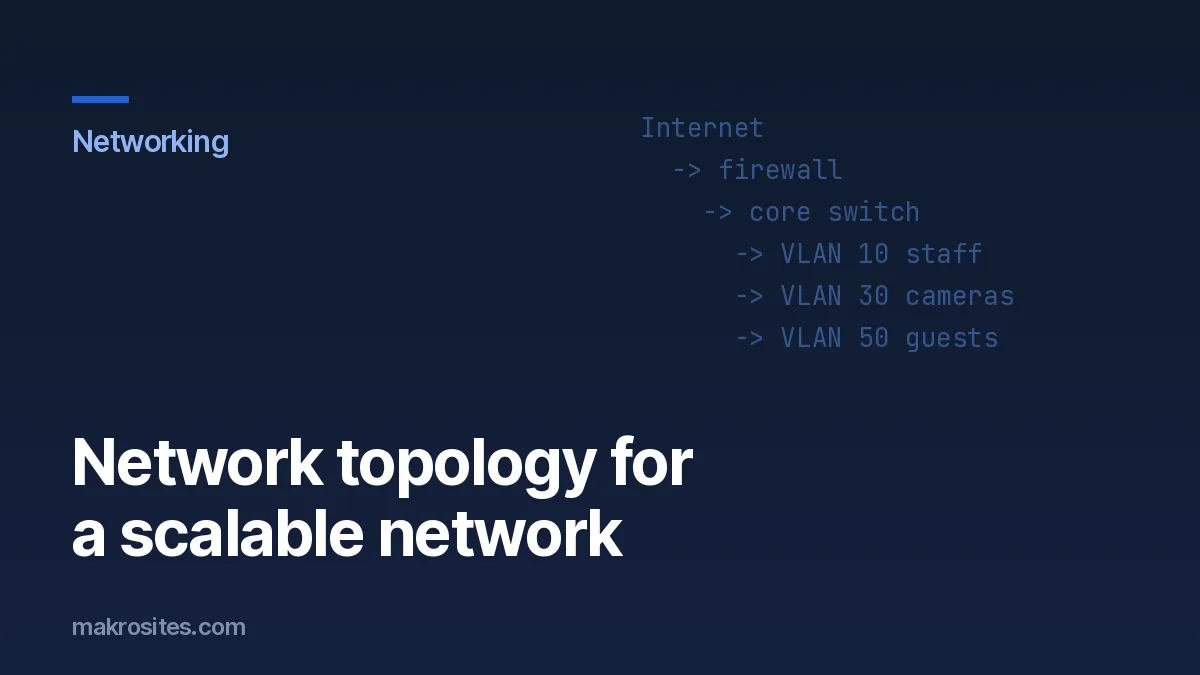
Quick answer: Network topology is the physical and logical layout of how devices and cables connect. To grow without bottlenecks, most networks use a hierarchical star (core, distribution and access layers), with structured cabling, VLANs separating each type of traffic, and documentation of IP addresses and ports. Plan spare ports, bandwidth and network drops from day one.
Introduction
A well-built network doesn't start with buying the router, the switch or the cables. It starts with planning. Before installing equipment, connecting devices or expanding, you need to understand the network topology and design a network that fits today's needs and tomorrow's growth.
In companies, offices, schools, shops, apartment buildings and even connected homes, a poorly planned network leads to slowdowns, outages, painful maintenance, Wi-Fi dead zones, traffic bottlenecks and security problems. This guide covers how to structure a scalable topology, the main models, how to organize equipment, and the practices that make a network stable, secure and ready to grow.
What is network topology?
Network topology is the way devices on a network are arranged and connected: computers, servers, routers, switches, access points, printers, cameras, IoT devices and everything else.
- Physical topology: the cables, switches, routers, racks, access points and actual connections;
- Logical topology: how data flows: which networks exist, VLANs, subnets, gateways and communication rules.
Good network design considers both. Knowing where the cables run isn't enough; you also need to know how traffic is organized.
Why network design matters
Without planning, networks grow in a messy way: switches scattered around, unlabeled cables, routers chained behind routers, badly placed extenders, duplicate IP addresses and equipment running past its limits. Good design lets you:
- Reduce performance bottlenecks;
- Improve stability;
- Make maintenance easier;
- Organize devices;
- Separate networks by purpose;
- Improve security;
- Prepare for expansion;
- Avoid buying the wrong equipment.
In professional environments, it also makes audits, technical documentation, support and upgrade decisions much easier.
The main network topologies
1. Bus
All devices share one main cable. It is an old model, rarely used in modern networks. Its weakness is fault tolerance: a problem in the main cable can take the whole network down.
2. Ring
Devices form a closed loop, and data passes from one device to the next until it reaches its destination. It still exists in specific uses (for example, some fiber and industrial networks), but it is uncommon in modern office LANs because of its complexity and the impact of a break in the loop.
3. Star
The most common topology today. Every device connects to a central point, usually a switch. It is easy to organize, maintain and expand, and when a cable or device fails, usually only that one connection is affected.
4. Tree (hierarchical star)
An evolution of the star with hierarchical levels: core switches, distribution switches and access switches. It is widely used in companies, buildings, schools and anywhere with several departments or floors.
5. Mesh
Devices or network nodes connect to each other in a more distributed way, which adds redundancy: traffic can take another path if a link fails. In Wi-Fi, "mesh" usually refers to systems that spread access points around a home or office. Well planned, it improves coverage, redundancy and stability.
Which topology scales best?
For most modern environments, the most effective choice is a hierarchical star (tree): a well-defined core, distribution switches and strategically placed access points. Instead of connecting everything ad hoc, the network gets layers:
- Edge: the internet connection, modem, router or firewall;
- Core: the main switch, gateway, servers or management equipment;
- Distribution: intermediate switches for departments, rooms or floors;
- Access: computers, printers, cameras, access points and end devices.
In small networks, core and distribution are often the same switch (a "collapsed core"). What matters is the structure: new departments, rooms or drops can be added without disrupting the rest of the network.
How to start designing a network
Start with a survey of the space, before thinking about equipment:
- How many devices are there today?
- How many could be added in the next few years?
- Which areas need wired connections?
- Which areas depend on Wi-Fi?
- Are there IP cameras, servers, printers or IoT devices?
- Does the network need to be separated by department?
- Is a guest network needed?
- Is physical expansion planned?
The answers define the number of network drops, switch capacity, cable type, access point placement and the level of security needed.
Physical mapping
The physical map shows where each piece of equipment is and how everything connects. It should include:
- Where the internet enters the building;
- The ISP's modem or ONT;
- The router or firewall;
- The core switch and secondary switches;
- Racks and patch panels;
- Wall jacks (network drops);
- Access points;
- IP cameras;
- Servers and critical devices.
Without this map, even a simple change can turn into a problem, especially when nobody knows where each cable goes.
Logical mapping
The logical map shows how the network is organized internally: IP addressing, subnets, VLANs, gateways, DNS, DHCP, firewall rules and how device groups are separated. An example plan for a small business:
| Network | VLAN | Subnet | Access |
|---|---|---|---|
| Staff computers | 10 | 192.168.10.0/24 | Internet, printers, servers |
| Servers | 20 | 192.168.20.0/24 | Only the services each group needs |
| Cameras | 30 | 192.168.30.0/24 | Only the recorder (NVR); no internet |
| IoT / smart devices | 40 | 192.168.40.0/24 | Internet only |
| Guests | 50 | 192.168.50.0/24 | Internet only, isolated from everything else |
Putting the VLAN number in the third octet of the subnet makes the plan easy to remember and to troubleshoot. Separating groups like this improves security and keeps every device from sharing one flat network.
When to use VLANs
VLANs let you run separate networks over the same physical cabling and switches. They are very useful in companies, schools, clinics, apartment buildings, shops and anywhere with many devices: staff computers on one network, cameras on another, guests on another and servers on a more restricted one. Benefits:
- More security: a compromised camera or IoT device can't reach your computers;
- Better organization;
- Access control between networks, enforced by the router or firewall;
- Less unnecessary broadcast traffic;
- Easier troubleshooting.
Your switches must be managed (or "smart") switches with 802.1Q VLAN support, and the router or firewall must support VLANs to route and filter between them.
Structured cabling: the foundation of a scalable network
Wi-Fi is essential, but a scalable network depends on good structured cabling. Critical equipment such as servers, desktop computers, cameras, access points and printers should be wired whenever possible. A good cabling plan considers:
- Cable category: Cat5e handles Gigabit and usually 2.5G; Cat6A is the safe choice for new installs, since it carries 10G over the full 100 m;
- Labeling every drop at both ends;
- Rack organization with patch panels;
- The 100 m (328 ft) maximum length of a copper Ethernet run;
- Keeping network cables away from electrical wiring;
- Spare drops for future growth.
Adding a few extra drops during installation usually costs much less than rebuilding the cabling later.
Wi-Fi as part of the topology
Wi-Fi should be planned as part of the infrastructure, not added as an afterthought. In larger spaces, use well-placed access points and, when needed, mesh systems or a controller that manages all access points together.
The choice between a router, an extender, mesh or access points depends on the size of the space, the number of users and the stability required. In professional networks, wired access points usually outperform wireless extenders. In homes and small offices, a mesh system is often the most practical way to eliminate dead zones; see mesh vs. Wi-Fi extenders.
How to avoid bottlenecks
A bottleneck happens when one part of the network limits the whole: old switches, Fast Ethernet (100 Mbps) ports, bad cables, underpowered routers, too many devices, congested Wi-Fi or poorly distributed equipment. To avoid them:
- Use Gigabit or faster switches;
- Avoid chaining small switches one after another;
- Use proper cabling;
- Separate critical networks with VLANs;
- Place access points strategically;
- Don't rely only on extenders;
- Monitor connected devices;
- Document every change.
Diagnose and audit before expanding
Before buying new equipment or changing the topology, diagnose the current network. Often the problem isn't the internet speed but weak signal, interference, too many devices, misconfiguration or old equipment.
A network audit tool helps: list connected devices, check Wi-Fi signal and channels, measure speed and latency in each area, and look at switch port speeds. This assessment shows whether the network needs a new router, a mesh system, wired access points, a logical reorganization or physical expansion.
Document the network
A scalable network has to be documented, in companies and in smaller places that depend on the internet for work or automation. Documentation can include:
- Physical diagram;
- Logical diagram;
- Equipment list (model, location, firmware version);
- IP addressing plan;
- Configured VLANs;
- Admin passwords, stored in a password manager or other secure place;
- Location of each network drop;
- Who made each change;
- Maintenance history.
Without documentation, the network depends on the memory of whoever installed it, which makes support, expansion and troubleshooting harder.
Common mistakes when building a network
- Buying equipment before planning the topology;
- Using home routers where business equipment is needed;
- Putting every device on the same network;
- Not labeling cables and drops;
- Using old switches with slow ports;
- Installing extenders where the signal is already weak;
- Ignoring security and firmware updates;
- Not planning for growth;
- Not documenting changes.
Example: a scalable network for a small business
Picture a small company with a reception area, an office, a stockroom, IP cameras, a guest network and some laptops on Wi-Fi. An organized design could look like this:
- The ISP's modem connected to a main router or firewall;
- The firewall connected to a central managed Gigabit switch;
- The switch feeding wired drops for computers and printers;
- Wired access points (powered over PoE) for Wi-Fi coverage;
- A separate VLAN for guests;
- A separate VLAN for cameras;
- A staff network with controlled access;
- Documentation of the drops and IP addresses.
It is a simple design, but it already allows growth: more cameras, new computers or another department don't require rebuilding from scratch.
Conclusion
A scalable network depends on planning, organization and a view of the future. The topology should take into account the size of the space, the number of devices, security, Wi-Fi coverage, cabling, switches and room to expand.
For small networks, a simple star can be enough. For companies, schools, clinics, offices and growing environments, a hierarchical topology with managed switches, VLANs, access points and documentation is far more effective. Before expanding or replacing equipment, diagnose the current network: a good analysis often reveals simple bottlenecks and avoids unnecessary spending. In the end, a scalable network isn't just a fast one; it is organized, secure, documented and ready to grow without losing stability. For the routers themselves, see how to choose a Wi-Fi 6 or 6E router and router security settings.
Frequently asked questions about network topology
What is network topology?
The way devices are arranged and connected in a network, covering both the physical connections and the logical flow of data.
What is the best topology for a business?
For most businesses, a hierarchical star (tree) topology works best, because it makes expansion, maintenance and organization easier.
What is the difference between physical and logical topology?
Physical topology shows cables, switches, routers and real connections. Logical topology shows IP addressing, VLANs, gateways, subnets and how traffic flows.
What makes a network scalable?
It can grow without being rebuilt from scratch, thanks to planning, the right equipment, organized cabling, documentation and spare capacity.
When should I use VLANs?
When you need to separate departments, guests, cameras, servers or IoT devices, for better organization and security.
Is Wi-Fi part of the topology?
Yes. Plan it as part of the infrastructure: coverage, access point placement, interference, security and the number of devices.
Are extenders recommended in professional networks?
Usually not. Wired access points or business mesh systems offer more stability and performance.
How do I avoid network bottlenecks?
Use Gigabit switches, proper cabling, routers sized for the load, VLANs where needed, well-placed access points and up-to-date documentation.
Why document the network?
Documentation makes maintenance, expansion, support and security easier, and helps find problems quickly. Without it, every change becomes slower and riskier.
How do I start a network audit?
List the equipment, connected devices, network drops, Wi-Fi signal levels, IP addressing and possible bottlenecks, then compare them with what the network needs.

Makrosites has built websites, web systems and Android apps since 2008.