Mesh Wi-Fi vs. Wi-Fi Extenders: Which Is Best to Eliminate Dead Zones?
Quick answer: A Wi-Fi extender (repeater) is cheap and fixes one isolated dead zone, but it often creates a second network, usually cuts speed and doesn't hand devices over on its own. A mesh system uses several access points that form one single network, with automatic roaming and steadier signal everywhere, but it costs more. For one distant room, an extender may be enough; for a large or multi-story home, mesh is the better choice.
Introduction
Fast internet doesn't help much if the Wi-Fi doesn't reach every room. This is one of the most common problems in houses, apartments, offices and small shops: Wi-Fi dead zones.
You can have a modern router and still get weak signal in the bedroom, unstable internet in the backyard, dropped video calls or slow speeds in far rooms. Two solutions usually come up: a Wi-Fi extender or a mesh network. This guide explains the differences, the pros and cons of each, and when each one makes sense.
What are Wi-Fi dead zones?
Dead zones are areas where the Wi-Fi signal is weak, unstable or missing. Causes include distance from the router, thick walls, concrete floors, furniture, mirrors, interference from other devices or a badly placed router.
In practice, a dead zone can cause:
- Slow internet in some rooms;
- Frequent disconnections;
- Buffering in videos and frozen video calls;
- High ping in games;
- Phones switching back and forth between Wi-Fi and mobile data;
- Smart devices going offline.
Before buying anything, find out where the signal is weak and why. Often, simply moving the router to a more central, elevated and open spot improves coverage a lot.
What is a Wi-Fi extender?
A Wi-Fi extender, also called a repeater or range extender, picks up the signal from your main router and rebroadcasts it to farther areas. It works like a simple bridge, which makes it popular for people who want to spend little and fix one specific spot.
Pros of Wi-Fi extenders
- Low price: usually much cheaper than a mesh system;
- Simple setup: many can be configured from a phone or with the WPS button;
- Good for one isolated spot: useful when only one room has weak signal;
- Wide compatibility: works with almost any router;
- Compact: many plug straight into a wall outlet.
Cons of Wi-Fi extenders
- Can reduce speed: part of the airtime is spent receiving and resending the signal;
- Very placement-dependent: too far from the router, it just repeats a bad signal;
- May create a second network: with some models you switch networks by hand;
- Limited roaming: your phone may stay stuck on a weak signal even next to a better one;
- Less stable: more sensitive to interference and congestion.
The most common mistake is plugging the extender in exactly where the Wi-Fi is already bad. It then repeats a weak signal, and the result stays bad.
What is a mesh Wi-Fi network?
A mesh network is a system of two or more access points (nodes) that work together to create one smart Wi-Fi network. Instead of just repeating the signal, the nodes coordinate with each other and route traffic along the best path.
You see a single network name, and the system decides which node serves each device. That improves coverage, stability and the overall experience in larger spaces.
Pros of mesh networks
- More even coverage: ideal for large houses, multi-story homes and offices;
- One network: no switching networks by hand;
- Smart roaming: devices connect to the node with the best signal;
- Better stability: fewer drops and fluctuations;
- Handles many devices: good for connected homes;
- Easy to expand: add more compatible nodes later;
- Modern standards: many systems offer Wi-Fi 6, Wi-Fi 6E and a dedicated backhaul band.
Cons of mesh networks
- Higher upfront cost: usually more expensive than an extender;
- Placement still matters: nodes must be well distributed;
- Works best with one product line: mixing brands or models can limit features;
- Can be overkill for small spaces: not every home needs mesh.
Mesh vs. extender: side by side
| Criterion | Wi-Fi extender | Mesh network |
|---|---|---|
| Cost | Cheaper | More expensive |
| Setup | Simple | Simple, usually through an app |
| Coverage | Good for one specific spot | Better for many rooms |
| Stability | Can vary a lot | More stable |
| Speed | Often reduced | Better use of your connection |
| Handoff between points | Manual or limited | Automatic |
| Best for | Simple, isolated problems | Large homes, many devices, high stability |
When should you use an extender?
An extender is a good choice when the problem is small and local, for example one room near the router or one small area of the house. Consider one if:
- Your budget is tight;
- You only need better signal in one spot;
- The space is small or medium;
- The extender can sit where the router's signal is still good;
- You don't need maximum speed or stability.
When should you use mesh?
Mesh is better when the coverage problem is bigger or stability is a priority. Consider it if:
- The signal is poor in several rooms;
- Your home has two floors or many walls;
- You have many connected devices;
- You make video calls, stream or play online;
- You want one network across the whole house;
- You want fewer drops and more stability;
- You want Wi-Fi 6 or 6E performance with full coverage.
Does mesh make your internet faster?
Mesh doesn't increase the speed of your internet plan: 500 Mbps stays 500 Mbps. What it does is distribute the signal better, so rooms that used to get a weak signal now get a stable connection and, often, much higher real speeds than before. Mesh doesn't upgrade your plan, but it can greatly improve how much of it you actually get around the house.
Does an extender cut speed in half?
Often, yes, or close to it. A basic single-band extender uses the same radio to receive and resend data, so it can only do one at a time, which roughly halves the throughput. Dual-band extenders that receive on one band and serve devices on the other lose much less. In every case, the result depends on the quality of the signal the extender receives: a badly placed extender performs poorly.
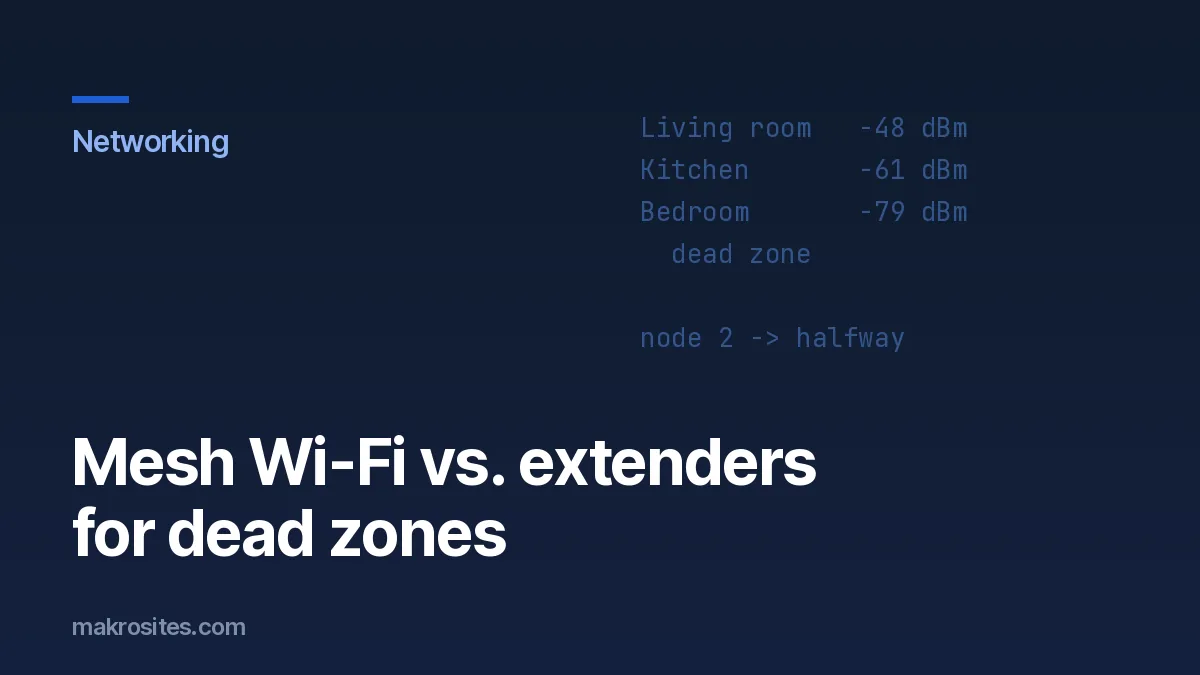
That is why the right spot is halfway: not next to the router, and not inside the dead zone.
Where to place an extender
Install it where it still gets a good signal from the main router. If you put it inside the dead zone, it will only resend a bad signal.
- Place it between the router and the weak-signal area;
- Keep it out from behind furniture and thick walls;
- Avoid microwaves, mirrors and metal structures;
- Try several outlets before choosing one;
- Many extenders have a signal light or app that shows when the link to the router is good: use it.
Where to place mesh nodes
Mesh nodes also need good placement. Spread them out so that each one still has a solid connection to the next. A secondary node placed too far from the main one gets a weak link and drags the whole system down.
- Put the main node next to the modem or the ISP's router;
- Place the other nodes in central areas, roughly halfway to the dead zones;
- Don't hide nodes inside cabinets;
- Use intermediate nodes to cross floors or long hallways;
- If you can run an Ethernet cable between nodes (wired backhaul), do it: it is the biggest performance upgrade for any mesh system;
- Test the coverage before settling on the final positions.
How to find your dead zones
Before buying an extender or a mesh system, map where the signal is really weak. Many people buy equipment without checking and then put it in the wrong place.
A practical way is to walk around with your phone and a Wi-Fi analyzer app, noting the signal strength (in dBm) and running a speed test in each room. As a rough guide, around -50 to -65 dBm is good, -70 dBm is where problems start, and below -75 dBm connections become unreliable. A map like this tells you whether you have one isolated spot, where an extender can help, or a whole-house problem that calls for mesh.
Which is better for online gaming?
For gaming, stability and low latency matter more than top speed. Mesh is usually better than a simple extender, especially when the console or PC is far from the main router. Whenever possible, though, a network cable is still the best option for competitive play. Without a cable, a Wi-Fi 6 mesh system gives a steadier experience than basic extenders. See also how to fix high latency.
Which is better for streaming?
For Full HD streaming in one room, an extender may be enough. For 4K, several screens at once or large homes, mesh is the better choice: it distributes the network better and avoids drops, which means less buffering and fewer automatic quality downgrades.
Which is better for a smart home?
Cameras, smart bulbs, locks, voice assistants and sensors need a stable network. If they are spread around the house, mesh is the better choice. If only one smart plug or a single far camera has trouble, a well-placed extender may be enough.
Is Wi-Fi 6 mesh worth it?
Yes. A Wi-Fi 6 mesh system is one of the best options for wide coverage, stability and performance with many devices. It suits modern homes, home offices, streaming, gaming, smart devices and families with many devices online at once. To choose the hardware, see how to choose a Wi-Fi 6 or 6E router.
Conclusion: mesh or extender?
The right choice depends on the size of your space, the number of devices, your budget and how much stability you need.
If the problem is small and local and you want to spend little, a Wi-Fi extender can fix it, as long as it is placed where the router's signal is still good. If you have several dead zones, a large home, many devices or need a more stable network, a mesh system is the more complete solution.
Before you buy, check the signal around your space and find the real bottlenecks. That way you avoid unnecessary purchases and pick the solution that actually removes your dead zones. For planning a larger network, see network topology and scalable infrastructure.
Frequently asked questions about mesh and extenders
Does a Wi-Fi extender slow down the internet?
Often, yes. Because it has to receive and resend the signal, some speed is lost, especially with basic or badly placed models.
Does mesh need faster internet?
No. Mesh works with any plan, but it makes the most of fast connections and spaces with many devices.
Can I use an extender and mesh together?
It is not recommended. Mixing a regular extender with a mesh system can cause instability, network conflicts and lower performance. Add another mesh node instead.
How many mesh nodes do I need?
It depends on the size and layout of the space. Two nodes usually cover an apartment or small house; larger houses may need three or more.
Does mesh completely eliminate dead zones?
In most cases it drastically reduces or eliminates them, as long as the nodes are well placed.
Does an extender create a new Wi-Fi network?
Some models create a separate network, others reuse the main network name. Even then, the handoff between points is usually not as smart as in a mesh system.
Does mesh work with any router?
It depends on the model. Many mesh systems work behind the ISP's router (ideally with the ISP router in bridge mode to avoid double NAT), but for the best results use nodes from the same brand and product line.
Which is better for online gaming: mesh or an extender?
Mesh is usually better for gaming thanks to more stability, better roaming and less signal fluctuation than simple extenders.
Is Wi-Fi 6 mesh worth the investment?
Yes, especially with internet above 300 Mbps, many devices, streaming, online gaming or weak signal in several rooms.
How do I know if I have Wi-Fi dead zones?
Walk around your home checking signal strength and connection stability in each room, ideally with a Wi-Fi analyzer app and a speed test.

Makrosites has built websites, web systems and Android apps since 2008.