How to Configure robots.txt Correctly (SEO Guide 2026)
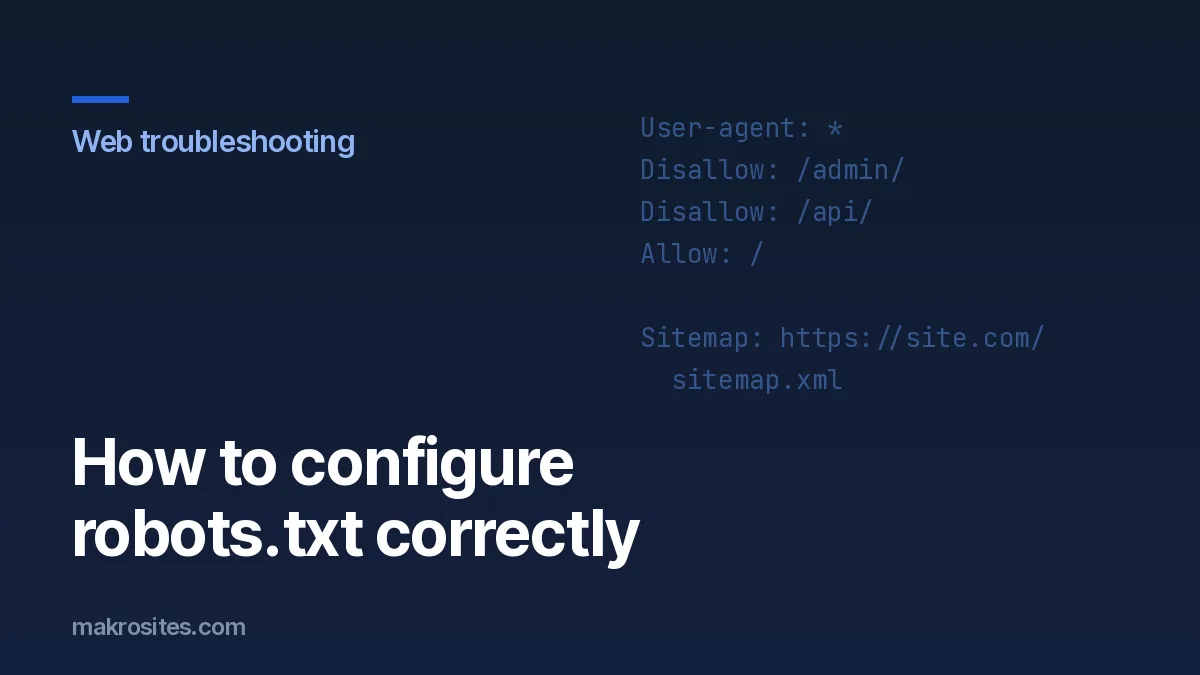
Quick answer: robots.txt lives at the root of your site and tells crawlers which paths they may crawl. The minimal template is User-agent: *, an empty Disallow: and a Sitemap: line with your sitemap's address. Block only areas with no search value, such as the admin panel, and never CSS, JS or important pages. Remember that Disallow does not remove pages from Google: use the noindex meta tag for that.
What is robots.txt?
robots.txt is a file at the root of your site:
https://www.yoursite.com/robots.txtIt tells search engines (Google, Bing and others) which pages they may or may not crawl.
Be careful, though: a wrong setting can keep your whole site out of Google.
A correct basic structure (2026)
User-agent: *
Disallow:

Sitemap: https://www.yoursite.com/sitemap.xml
This is the recommended minimal template:
- User-agent: * applies the rules to every crawler
- An empty Disallow: allows everything to be crawled
- Sitemap: tells crawlers where your sitemap is
A practical example for a PHP site
User-agent: *
Disallow: /admin/
Disallow: /api/
Disallow: /includes/
Allow: /

Sitemap: https://www.yoursite.com/sitemap.xml
Here you block:
- The admin panel
- Internal APIs
- Technical folders
And you keep the public pages open.
The mistake that wipes out your SEO
User-agent: *
Disallow: /
This blocks the entire site. It happens more often than you would think, usually when a development robots.txt goes live by accident.
robots.txt does not block indexing
This is important: robots.txt only blocks crawling. If other sites link to a page, it can still show up on Google even when it is blocked.
To keep a page out of the index, use:
<meta name="robots" content="noindex">or the HTTP header:
X-Robots-Tag: noindexAnd do not block that page in robots.txt, otherwise Google never sees the noindex.
How to check that your robots.txt is correct
- Open
yoursite.com/robots.txtin the browser to see exactly what is published - Use the robots.txt report in Google Search Console to see how Google reads it
- Make sure the file returns HTTP status 200 (not a 404 or a redirect loop)
To start from a clean, valid file, use our robots.txt generator.
Connecting robots.txt and the sitemap
robots.txt should always point to your sitemap:
Sitemap: https://www.yoursite.com/sitemap.xmlIf you don't have a sitemap yet, create one with the XML sitemap generator.
Does .htaccess matter too?
Yes. If your .htaccess blocks crawlers or returns a 403 or 500 error, Google may stop crawling your site.
See also the .htaccess generator.
Final checklist (2026)
- robots.txt reachable over HTTPS
- The whole site is not blocked
- A Sitemap line is present
- Tested in Search Console
- Important CSS and JS files are not blocked
A badly configured robots.txt is one of the main causes of:
- A site that is not indexed
- A sudden drop in traffic
- Pages that never show up on Google

Makrosites has built websites, web systems and Android apps since 2008.