Duplicate Content in SEO: How to Find and Fix It Before It Hurts Your Rankings
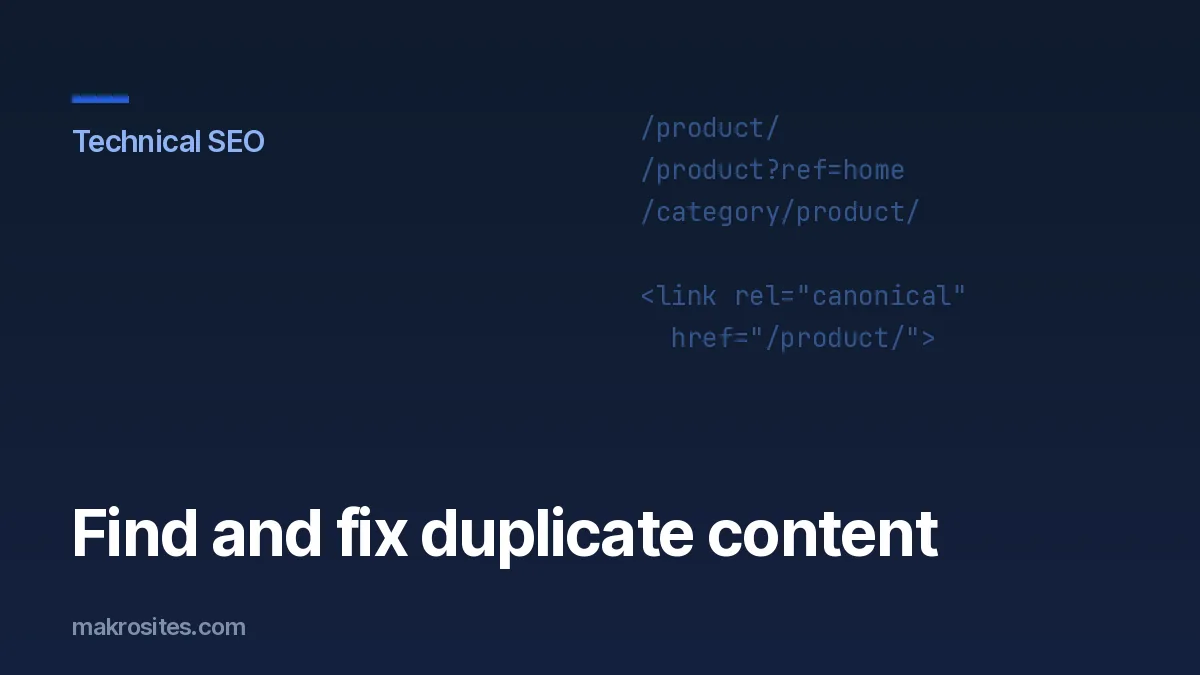
Quick answer: Duplicate content means different URLs showing the same or almost the same content, often with the same title and description, so Google has to pick which one to show. It usually comes from URL parameters, http/https and www/non-www versions, tag and category pages, and very similar articles. Fix it with a 301 redirect to one URL, a canonical tag, or by rewriting or merging similar pages.
Duplicate content is one of the most common technical SEO problems. It happens when different pages have very similar text, titles, descriptions or structure, which makes it harder for Google to know which page should rank.
Many sites have duplicate content without realizing it: category and tag archives, URL parameters, http and https versions, repeated titles and descriptions, or similar articles published at different URLs. This guide explains what duplicate content is, why it hurts SEO, how to find it and which fix to apply in each case.
What is duplicate content?
Duplicate content is two or more pages with identical or very similar content, either on the same site or across different sites. In technical SEO, the most common case is internal duplication: the site itself creates several URLs for the same information. For example:
- two URLs showing the same article;
- category and tag pages listing the same posts;
- pages with identical titles and descriptions;
- URLs with and without a trailing slash;
- filter parameters creating repeated pages;
- http and https versions both reachable.
Even without any intention to copy, a site's structure can create duplicates automatically.
Why duplicate content hurts SEO
When several pages seem to cover exactly the same thing, Google has to decide which one deserves to appear. In practice, duplication can cause:
- the wrong URL ranking (a parameter or print version instead of the clean page);
- important pages left out of the index;
- links and signals split between several URLs instead of one;
- crawling wasted on copies, which matters on large sites;
- pages competing with each other for the same search (cannibalization);
- lower click-through rates when titles and descriptions repeat.
How Google handles duplicate pages
Google groups duplicate URLs and picks one as the canonical: the version it indexes and shows. It looks at canonical tags, redirects, internal links, sitemaps, HTTPS and other signals, but the canonical tag is a hint, not an order. If your signals conflict, Google may choose a URL you didn't want.
You can see Google's choice in Search Console: inspect a URL and compare "User-declared canonical" with "Google-selected canonical". The Pages report also lists "Duplicate, Google chose different canonical than user".
The goal is to send one clear, consistent signal: redirect what shouldn't exist, set canonicals, link internally to the preferred URL and list only that URL in the sitemap.
7 signs your site has duplicate content
1. Different URLs showing the same content
The classic case. The same page can be reached through parameters, filters, trailing slashes or different paths:
/sample-product/
/sample-product?ref=home
/category/sample-product/
If all of them show the same content, they are duplicates.
2. Repeated titles
When several URLs share the same title, it is hard to tell what each page is for. This is common on large sites, custom systems, online stores and blogs with automatic templates. A site crawler lists duplicate and missing titles in seconds.
3. Repeated meta descriptions
The description influences how the page appears in search results and how many people click. When many pages share one generic description, they all look the same in the results.
4. Missing or wrong canonical tags
Without a canonical, Google chooses on its own. A canonical pointing to the wrong page (often a template bug that points every page to the home page) is even worse.
5. Several versions of the domain
If the site answers on more than one of these, each page exists several times:
http://andhttps://;- with and without
www; - with and without a trailing slash;
- uppercase and lowercase variations of the same path.
6. URL parameters creating copies
Filters, sorting, session IDs, campaign tags (utm_source and others) and internal search can generate hundreds of near-identical URLs. Typical in online stores, sites with internal search, filtered categories and dynamic systems.
7. Category, tag and archive pages listing the same posts
Blogs create category, tag, author and date archives. When tags are created without a plan, with names close to each other or duplicating categories, those pages become thin copies of each other.
How to find duplicate content
- Search Console > Pages: look at "Duplicate without user-selected canonical", "Duplicate, Google chose different canonical than user" and "Alternate page with proper canonical tag";
- A site crawler: lists duplicate titles, descriptions and H1s, near-duplicate pages, and canonical tags;
- Search Console > Performance: filter by a query and see whether several of your URLs show up for it (a sign of cannibalization);
- Manual tests: open
http://,wwwand trailing-slash variations of a page and check that they all redirect to one URL; - Exact-phrase search: search Google for a distinctive sentence from your page in quotes to find copies on other sites.
How to fix duplicate content
The right fix depends on the cause:
| Situation | Fix |
|---|---|
| The duplicate URL shouldn't exist (old slug, www/https variant) | 301 redirect to the main URL |
| The variant must exist for users (filters, tracking, print view) | Canonical tag pointing to the main URL |
| Pages with no search value (internal search results, thin tags) | noindex, or remove them |
| Several articles about the same topic | Merge into one complete article and 301 the others |
| Different pages with the same title or description | Write unique titles and descriptions |
1. Standardize the domain with 301 redirects
Choose one version (for example, https with www) and redirect everything else to it. On Apache:
RewriteEngine On
RewriteCond %{HTTPS} off [OR]
RewriteCond %{HTTP_HOST} !^www\. [NC]
RewriteRule ^ https://www.example.com%{REQUEST_URI} [R=301,L]
This sends every request to the https www version in a single redirect. Replace example.com with your domain. The .htaccess generator can build these rules, and 301 vs. 302 redirects explains which code to use.
2. Use canonical tags correctly
Every indexable page should have a canonical tag, usually pointing to itself, with the full URL:
<link rel="canonical" href="https://www.example.com/sample-product/">Variants (filters, tracking parameters) point to the main page. Don't point paginated pages (page 2, 3...) to page 1: each page of a list has different content and should be canonical to itself.
3. Write unique titles and descriptions
Every important page needs its own title, clear and matched to the search it targets, and its own description. See meta tag mistakes that hurt rankings.
4. Merge similar content
If you have several posts that are very close and compete for the same search, combine them into one complete article, keep the URL with the most traffic and links, and 301 the others to it. One strong page usually performs better than three weak ones.
5. Review categories, tags and archives
Avoid tags that repeat categories or each other. For archive pages with no value for searchers, use noindex, or turn them off:
<meta name="robots" content="noindex, follow">Don't block these pages in robots.txt at the same time: if Google can't crawl them, it never sees the noindex.
6. Link internally to the main URL
Internal links, menus and the sitemap should always use the final, canonical URL: with https, the right host, the right trailing slash and no parameters.
Is translated content duplicate?
No. A page translated into another language is not duplicate content. Connect the language versions with hreflang tags so Google shows each user the right language, and give each version its own canonical (pointing to itself, not to the other language).
What about duplicate images?
Repeated images aren't treated like duplicate text, but they can still hurt indirectly: extra files on the server, heavy pages, missing alt text and old formats make pages slower. Reuse one optimized file instead of uploading the same image many times, and serve WebP or AVIF. See Core Web Vitals and site speed.
Conclusion
Duplicate content may look like a small issue, but it directly affects how clearly Google understands your site. When several pages compete for the same topic, share titles and descriptions, or exist at several URLs, rankings suffer.
Find where the duplication comes from and apply the right fix: 301 redirects, canonical tags, unique meta tags, merged content or a cleaner site structure. For a full checkup, see how to do a complete SEO audit.
Frequently asked questions about duplicate content
Does Google penalize duplicate content?
Usually not. In most cases Google simply picks one version and filters out the others. Penalties are for deliberate, deceptive copying. Even without a penalty, duplicates can hurt rankings, indexing and how signals are spread.
Are duplicate meta descriptions a problem?
They don't cause a penalty, but they make your pages look the same in search results and can lower clicks. Google may also rewrite them.
Do duplicate titles hurt SEO?
Yes. They make it harder to tell pages apart and can cause your own pages to compete with each other.
Do URL parameters create duplicate content?
They can, when parameter URLs show the same or nearly the same content. Use canonical tags and link only to clean URLs.
Should I use a canonical tag or a 301 redirect?
Use a 301 when the duplicate URL shouldn't be visited at all. Use a canonical when the variant has to stay available to users.
What if another site copies my content?
Google usually identifies the original. If the copy outranks you, ask the site to remove it or link back, and if needed file a DMCA request with Google.

Makrosites has built websites, web systems and Android apps since 2008.